
Google Business Profile Call Button Not Working? How to Fix It
A broken or missing call button on your Google Business Profile means lost calls every day. Here's why it happens and how to get one-tap calling working again.
YCYogesh ChauhanFounder, Surat City Web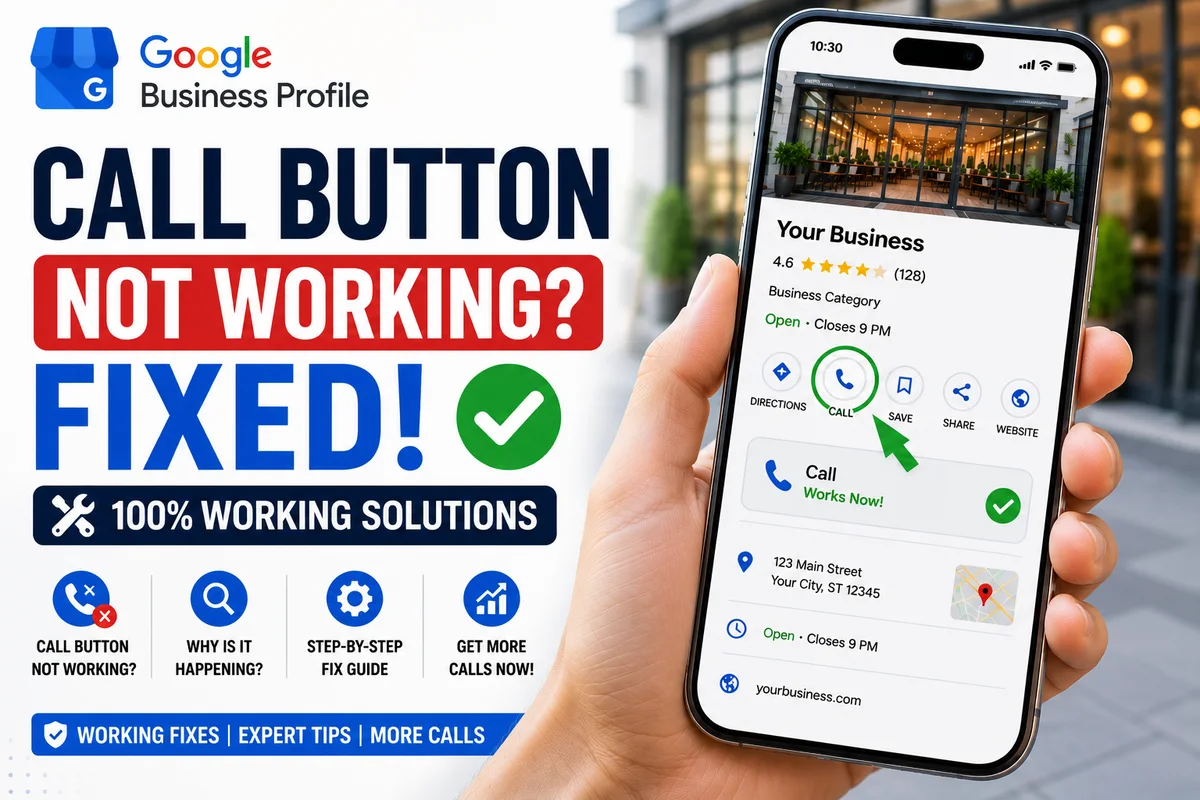
⚡Quick answer
A Google Business Profile call button usually stops working because the phone number is missing, was flagged as a mismatch with your website, or the profile is unverified or under review. Add a single correct number that matches your website, complete verification, remove duplicate listings, then test it on a real phone.
Your Google Business Profile shows up on Maps, customers find you — but they can't call with one tap because the call button is missing, greyed out or dialling the wrong number. Every day this stays broken is calls and customers lost. Here's why it happens and how to fix it.
Common reasons the call button breaks
Step 1: Check your phone number is correct and consistent
Open your profile and confirm the primary phone number is present and exactly matches the number on your website and other directories. Inconsistent numbers are the most common cause of call-button problems.
Step 2: Remove conflicting or duplicate numbers
Multiple numbers, call-tracking numbers, or duplicate listings can confuse Google. Keep one clear primary number and remove conflicts.
Step 3: Make sure your profile is verified
An unverified profile often hides key actions like calling. Complete verification so all your contact buttons appear to customers.
Step 4: Test on a real phone
Search your business on a mobile device and tap the call button. If it doesn't appear or dials the wrong number, there's still a configuration or flagging issue to resolve.
Why a broken call button costs more than you think
It's easy to shrug off, but do the maths. If even five customers a day find you on Maps and can't call in one tap, most won't hunt for another way — they'll just call the next business on the list. Over a month that's a serious number of lost jobs, and you never even see them because they never reached you. The call button is the single most important action on a mobile listing. When it's broken, your ranking barely matters.
How to check your call button properly
Don't just glance at your dashboard — test it the way a customer would:
Call button vs call history: a common mix-up
Some owners panic because they can't see call data, when the button itself works fine. Call tracking in your dashboard is separate from whether customers can call. Make sure you're solving the right problem — first confirm whether the button actually appears and dials for a real customer, then worry about tracking.
Prevent it from breaking again
Greyed out, missing, or wrong number — which is it?
'Broken call button' actually covers three different problems, and naming yours helps you fix it:
Each has a slightly different root cause, but they share the same foundations: one correct number, matched everywhere, on a verified, duplicate-free profile.
A simple prevention routine
Once your call button works, a couple of minutes now and then keeps it that way. Every month or so, search your business on a phone and tap the button to confirm it dials correctly. Keep your number identical across your website and listings, avoid unnecessary edits, and don't spin up duplicate profiles. Most call-button disasters are slow-building consistency problems, and this quick check catches them early.
Still not working? It may be flagged
Sometimes the call button is suppressed by Google's systems even when your details are correct — and no amount of editing fixes it. In those cases it needs to be diagnosed and resolved properly rather than guessed at. We fix call button issues for a fixed price, usually within 8–15 days — see our Call Button Fix service or send us your profile link on WhatsApp and we'll check what's wrong.
Yogesh Chauhan
Yogesh Chauhan is the founder of Surat City Web, a founder-led digital growth agency in Surat helping businesses across India get more calls, leads and customers from Google.
Frequently asked questions
Usually because the phone number is empty, flagged as a mismatch, or the profile is unverified or under review. Fixing the number consistency and verification often restores it.
Related articles

Digital Marketing for Small Businesses in Surat: 2026 Guide
A practical 2026 digital marketing guide for small businesses in Surat — how to get more calls, leads and customers from Google without wasting money.
By Yogesh Chauhan
Google Business Profile Without a Shop Address: Is It Possible?
Can you have a Google Business Profile without a shop address? Yes — home and service-area businesses can get on Google Maps. Here's exactly how.
By Yogesh Chauhan
How to Create and Verify a New Google Business Profile in 2026
If your business isn't on Google Maps yet, you're invisible to nearby customers. Here's how to create, verify and optimise a brand-new Google Business Profile.
By Yogesh Chauhan