
Google Business Profile Call Button Not Showing on Mobile?
Google Business Profile call button not showing on mobile? That's where most customers call from. Here's why it's hidden and how to fix it.
YCYogesh ChauhanFounder, Surat City Web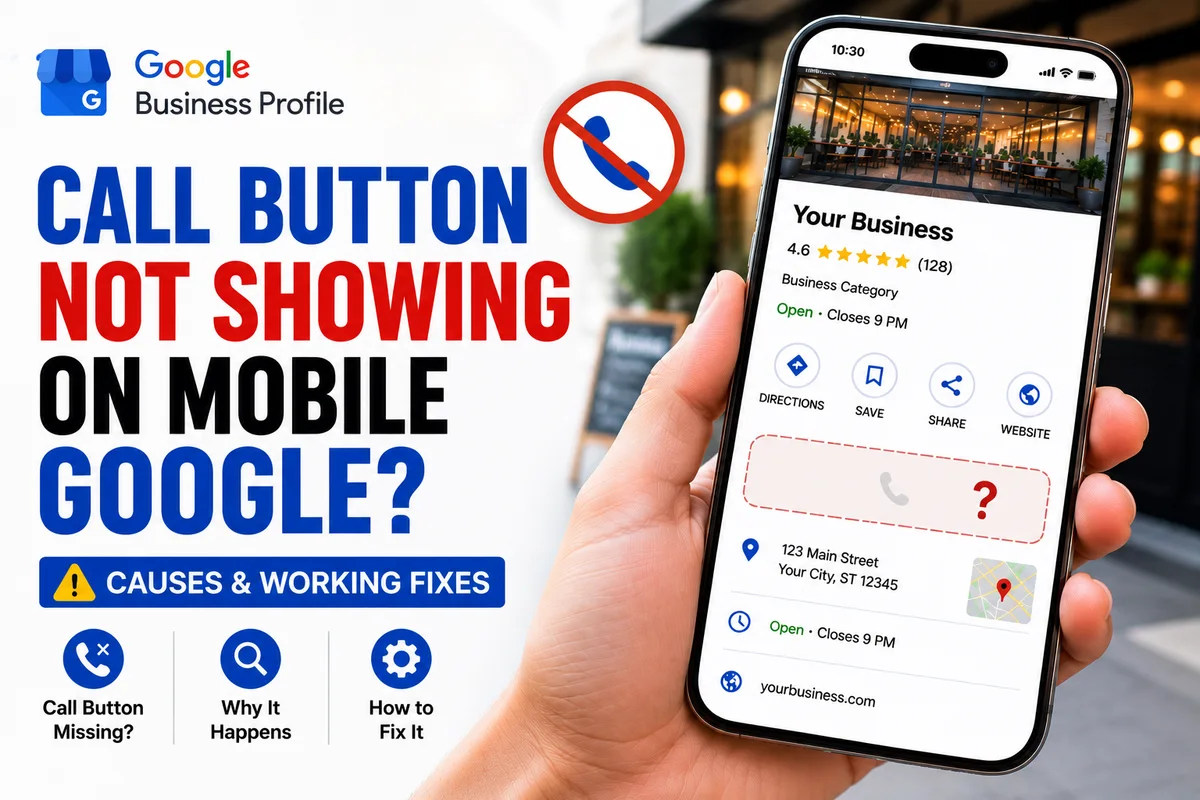
⚡Quick answer
If your call button shows on desktop but not on mobile, the cause is usually a flagged or missing number, an unverified profile, or you're checking the wrong place. Confirm one correct primary number that matches your website, complete verification, and test the actual Maps listing on a phone in incognito rather than the knowledge panel.
Here's a problem that catches people out: the call button looks fine when they check on a computer, but customers on their phones say there's nothing to tap. Since almost all local searches happen on mobile, a missing mobile call button is quietly costing you the majority of your calls. Let's fix it.
Why mobile is what really matters
Most people searching for a local business are standing somewhere with a phone in hand, ready to call right now. That mobile call button is the single most valuable action on your listing. If it's not there on a phone, it doesn't matter how good your desktop listing looks.
Common reasons it's hidden on mobile
Step 1: Test it the right way
Don't judge from your dashboard. On a phone you're not logged into, open incognito, search your business, and open the Maps listing itself. Look for the Call button there. This is what your customers actually see.
Step 2: Fix the number and verification
Make sure one correct primary number is set and matches your website, and that the profile is verified. These two things resolve most mobile call-button problems on their own.
Step 3: Clear duplicates and pending edits
Remove any duplicate listings, and avoid making fresh edits while you're testing. Let the profile settle, then check again on mobile.
The knowledge panel vs the Maps listing
Here's a subtlety that fools even experienced owners. When you search a business on your phone, the box that appears in normal Google search results (the knowledge panel) can look different from the full Google Maps listing. The call button doesn't always sit in the same place in both. So before you conclude it's missing, open the Google Maps app specifically, search your business, and open the listing there. Nine times out of ten the button is present — people were just looking in the wrong view.
Android vs iPhone differences
The call action can render slightly differently across devices and app versions. That's why I always test on both an Android and an iPhone where possible. A button that seems missing on one may be fine on the other, which points to a display quirk rather than a real profile problem. If it's genuinely absent on every device, then it's a number or verification issue to fix.
Don't confuse call tracking with the call button
Some owners panic about mobile calls when the button actually works — they just can't see call data in their dashboard. Call tracking and the public call button are two separate things. First confirm whether a real customer on a phone can see and tap the button; worry about tracking the numbers afterwards.
Step 4: Confirm across devices
Test on both an Android and an iPhone if you can, and ask a customer or friend nearby to try. If it's showing for them and dialling correctly, you're sorted. If it's still hidden on mobile everywhere, the number is likely flagged at Google's end and needs a proper fix.
Still no call button on mobile after all this? We fix exactly this. Our Google Business Profile call button fix gets one-tap calling working on mobile for a fixed price, usually within 8–15 days. Message us your profile link on WhatsApp.
Yogesh Chauhan
Yogesh Chauhan is the founder of Surat City Web, a founder-led digital growth agency in Surat helping businesses across India get more calls, leads and customers from Google.
Frequently asked questions
Usually a flagged or missing number, an unverified profile, or you're viewing the knowledge panel instead of the Maps listing. Test the actual Maps listing on a phone in incognito.
Related articles

How to Rank Higher on Google Maps: Get to the Top in 2026
A step-by-step guide to rank higher on Google Maps and reach the Local Map Pack — so your business shows first when customers search on Google or ask AI tools.
By Yogesh Chauhan

How to Add a Call Button to Your Google Business Profile
Want a call button on your Google Business Profile? Here's how to add one so customers can call you in one tap — plus what to do if it won't show.
By Yogesh Chauhan

Google My Business Call Button Not Working? 2026 Fix
Google My Business call button not working? Whether it's missing, greyed out or calling the wrong number, here's why it happens and how to fix it fast.
By Yogesh Chauhan