
Why Can't Customers Call My Business on Google?
Customers can't call your business on Google? A broken or missing call button could be costing you leads daily. Here's why it happens and how to fix it.
YCYogesh ChauhanFounder, Surat City Web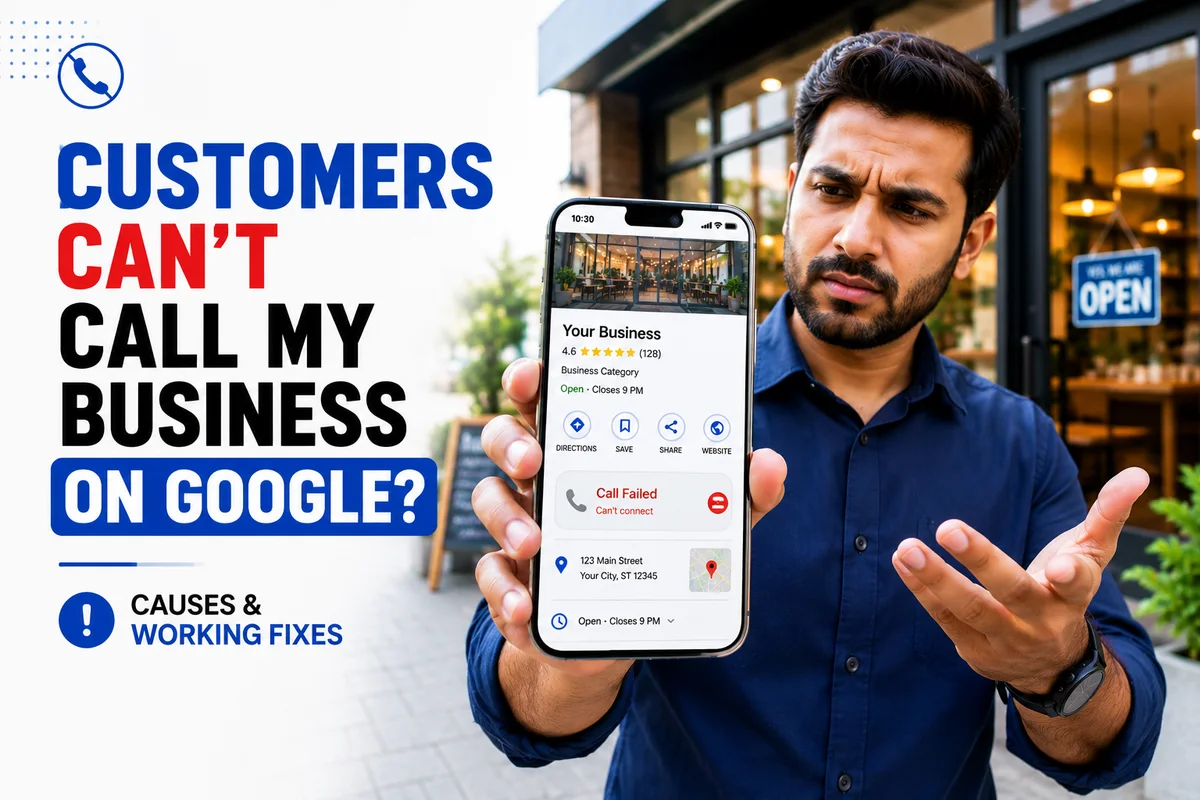
⚡Quick answer
If customers can't call your business on Google, the call button is probably missing, greyed out, or dialling the wrong number. The usual causes are a flagged or missing phone number, an unverified profile, or a duplicate listing. Fix the number, verify the profile, remove duplicates, and test on a real phone.
You know customers are finding you on Google — but they tell you they “couldn't get through”, or you notice the phone has gone quiet. When people can't call you from your listing, it doesn't just cost one call; they move straight to a competitor. Here's why it happens and how to make sure every customer can reach you in one tap.
What customers actually see
When calling is broken, customers experience one of these — and none of them wait around:
Why it happens
- The phone number is missing or was flagged by Google.
- Your number doesn't match your website and listings.
- The profile is unverified or under review.
- A duplicate listing is showing instead of your real one.
- Wrong hours make Google show you as 'closed', hiding actions.
How to make sure customers can call you
Get customers calling again
- 1
Fix the number
Set one correct primary number and match it across your website and directories.
- 2
Verify and clean up
Complete verification and remove any duplicate listings.
- 3
Check your hours
Make sure your hours are accurate so you're not wrongly shown as closed.
- 4
Test like a customer
Search your business on a phone in incognito and tap Call to confirm it works.
This is costing you money now
Every day this stays broken is calls — and customers — you never even see, because they simply ring the next business. It's one of the fastest, highest-impact things to fix.
Other reasons a call might not connect
Beyond the profile itself, a few things on your end can stop calls landing — worth ruling out:
These aren't Google problems, but from the customer's side the experience is the same — they couldn't reach you. It's worth calling your own listed number from an unknown phone occasionally, just to hear what a customer hears.
Why this is worse than ranking lower
Owners spend a lot of energy worrying about their ranking, but a broken call button is more urgent. Think about it: you can be #1 in the Map Pack and still get zero calls if customers can't tap to dial. Ranking gets you seen; the call button gets you the customer. When calling is broken, every bit of visibility you've earned is wasted at the last step. That's why this is one of the first things worth checking when the phone goes quiet.
Do the maths on what it's costing you
Put a rough number on it. Say 8 people a day find you on Google and want to call, but can't. Even if only half would have become customers, and your average job is worth a few thousand rupees, that's a serious amount of business walking to a competitor every single week — silently, because those customers never reached you to complain. Framing it in money makes it clear why fixing calling comes before almost anything else.
The desktop vs mobile trap
A very common mistake: the owner checks on their laptop, sees their number, and assumes all is well. But almost all local customers are on a phone, and the mobile experience can be completely different. On desktop Google often shows the number as text; on mobile it should be a tap-to-call button. Always judge by what a customer sees on a phone, in incognito, on the actual Maps listing — not by your desktop view.
Wrong hours can silence your phone
Here's a subtle one people miss. If your business hours are wrong and Google thinks you're 'closed', it can de-emphasise or hide calling actions — why would it encourage a call to a closed business? Make sure your hours are accurate, including special holiday hours. A restaurant whose call button 'breaks' every Sunday might simply have Sunday marked as closed.
How to test like a real customer, step by step
Test your calling in 5 steps
- 1
Grab a phone you're not logged into
Use a staff or family phone, or open a private/incognito browser tab.
- 2
Search your business + area
Type your business name and city as a customer would.
- 3
Open the Maps listing
Tap through to the full listing, not just the search box preview.
- 4
Tap Call
Confirm a Call button exists and that it dials your correct, current number.
- 5
Repeat on another device
Try an iPhone and an Android if possible — and ask someone nearby to test too.
A quick 3-minute self-audit
You don't need any tools to check this — just a phone. Run through these and you'll know within minutes whether customers can reach you:
Your 3-minute calling self-audit
- 1
Search on a phone
In incognito, search your business name and city as a customer would.
- 2
Open the Maps listing
Tap into the full listing, not just the preview box.
- 3
Check for the Call button
Is it there, is it active, and does it dial the right number?
- 4
Check the number and hours
Confirm the displayed number is correct and your hours aren't wrongly showing 'closed'.
- 5
Call it from an unknown phone
Hear what a customer hears — does it ring and connect properly?
What to do while you wait for a fix
If the call button is broken and you're working on a fix, don't leave customers stranded in the meantime. Make sure your website has a clear, tappable phone number and a WhatsApp button so people who land there can still reach you. Add your number to your other listings and social profiles too. It's not a substitute for a working call button on Google — that's where most local customers look — but it stops you losing every lead while the main issue is being resolved.
Voice search: 'call [your business]'
More and more customers don't type at all — they say 'Hey Google, call the nearest dentist' or 'call [business name]'. When that happens, the assistant relies on your Google Business Profile's phone number to place the call. If your number is missing, flagged or wrong, voice callers hit a dead end just like everyone else — except they never even see your listing to try again. A clean, correct number on a verified profile is what makes sure you're the business that voice search actually connects to.
Make your listing worth calling
Sometimes customers can call but choose not to, because your listing doesn't inspire confidence. Getting the button working is step one; looking trustworthy is step two:
A working call button on a bare, review-less profile still loses to a competitor who looks established. Fix the button, then make the listing something people want to call.
A real scenario
Imagine a clinic that suddenly stopped getting calls. Everyone assumed the marketing had 'stopped working'. In reality, a staff member had updated the profile and accidentally left the phone field blank. Customers were still finding the clinic — the views were there — but there was nothing to tap. Ten minutes to re-add the number, and the calls returned. It's a perfect example of why, when the phone goes quiet, you check the call button before you blame anything bigger.
How to keep customers able to call you
Speed of answer decides who wins the customer
Getting customers able to call you is only half the battle — answering matters just as much. When someone taps Call on Google, they're usually calling two or three businesses in a row and going with whoever picks up first and sounds helpful. A call that rings out or hits voicemail is often a lost sale, even though your button worked perfectly. So once calling is fixed, make sure someone actually answers during your hours, and return any missed call fast. A quick callback frequently still wins the customer, because the competitor they reached may have fumbled it too.
Don't forget after-hours and holidays
A lot of 'why can't customers call me' moments are really 'customers called when I had no way to catch it'. If you get calls outside working hours, consider call-forwarding, a second phone, or at least a clear voicemail that promises a quick callback. Set special hours for holidays so Google doesn't wrongly show you as open or closed. Every genuine caller you capture instead of losing is essentially free revenue you'd otherwise have handed to a competitor.
If customers still can't call you after checking all this, the number is likely flagged at Google's end. Our Google Business Profile call button fix gets one-tap calling working again for a fixed price (currently 50% off), usually within 8–15 days. Send us your profile link on WhatsApp.
Yogesh Chauhan
Yogesh Chauhan is the founder of Surat City Web, a founder-led digital growth agency in Surat helping businesses across India get more calls, leads and customers from Google.
Frequently asked questions
Usually because the call button is missing, greyed out or dialling a wrong number — caused by a flagged or missing phone number, an unverified profile, or a duplicate listing. Fixing the number and verification restores calling.
Related articles

How to Rank Higher on Google Maps: Get to the Top in 2026
A step-by-step guide to rank higher on Google Maps and reach the Local Map Pack — so your business shows first when customers search on Google or ask AI tools.
By Yogesh Chauhan

How to Add a Call Button to Your Google Business Profile
Want a call button on your Google Business Profile? Here's how to add one so customers can call you in one tap — plus what to do if it won't show.
By Yogesh Chauhan

Google My Business Call Button Not Working? 2026 Fix
Google My Business call button not working? Whether it's missing, greyed out or calling the wrong number, here's why it happens and how to fix it fast.
By Yogesh Chauhan