
Google Business Profile Reinstatement Rejected? How to Appeal
Google Business Profile reinstatement rejected? Don't give up. Here's why appeals get denied and how to resubmit a stronger case that gets approved.
YCYogesh ChauhanFounder, Surat City Web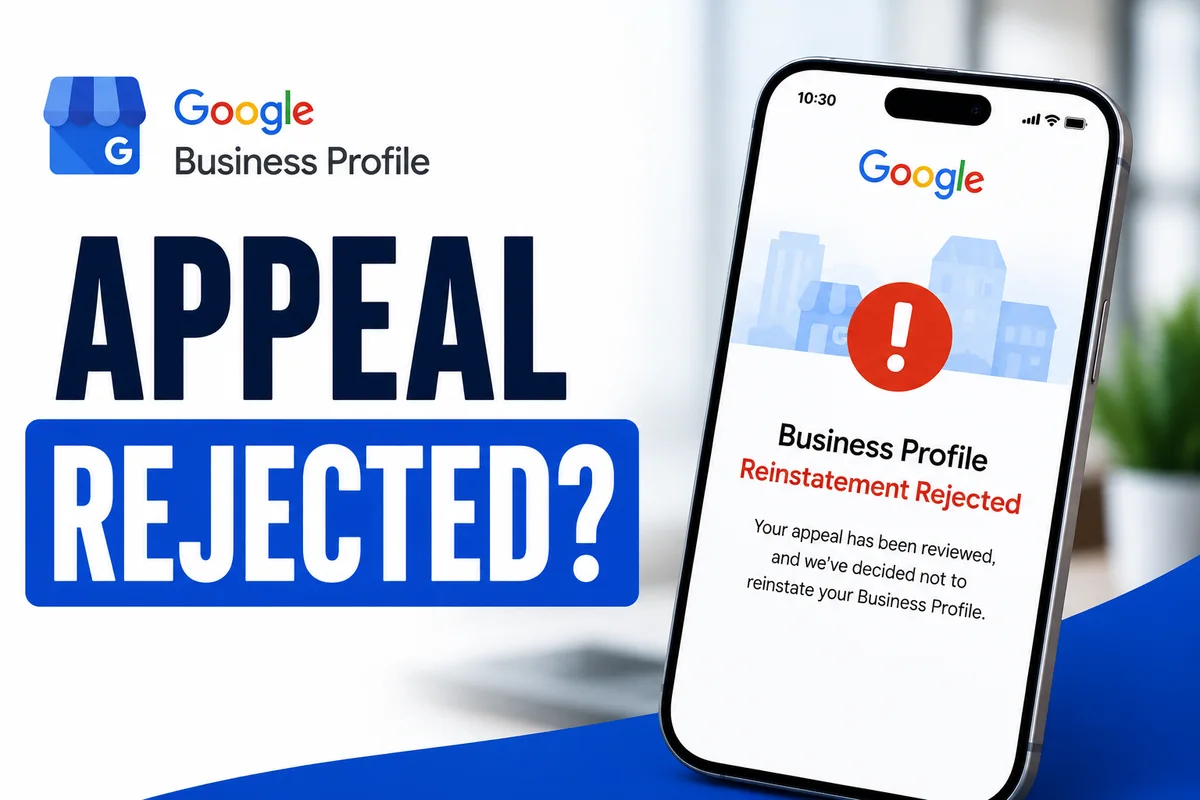
⚡Quick answer
If your reinstatement was rejected, don't resubmit the same request. A rejection means the reviewer wasn't convinced your business is legitimate or that the violation was fixed. Identify what evidence was weak, genuinely fix the underlying issue, strengthen your proof, and submit a clearer appeal. Well-documented second attempts succeed far more often.
A reinstatement rejection hits hard. You followed the steps, you appealed, and Google still said no. It's tempting to either give up or fire off the same request again in frustration. Both are mistakes. A rejection is a checkpoint, not the end of the road — here's how to turn it into an approval.
Why reinstatement requests get rejected
Rejections almost always come down to one of two things: the reviewer didn't believe the business is legitimate, or they could still see the violation that caused the suspension. Sometimes the request simply didn't include enough proof to make a clear decision.
Step 1: Don't resubmit the same thing
Sending an identical request after a rejection usually gets the same result, and repeated attempts can flag your profile. Stop and treat the next appeal as a fresh, stronger case.
Step 2: Work out what was missing
Re-read any reason Google gave. Then look honestly at your last submission. Was the violation truly fixed? Was your proof clear and complete? Most rejected appeals have an obvious gap once you look with a critical eye.
Step 3: Strengthen your evidence
Step 4: Submit a clear, specific appeal
Address the exact issue. State plainly that you've reviewed the guidelines, describe what you corrected, and attach the stronger proof. Keep it factual and calm. You're making it easy for a reviewer to say yes.
Common reasons a second appeal also fails
If your re-appeal gets rejected too, it's usually one of these — and they're avoidable:
Write your appeal like you're making it easy to say yes
Think from the reviewer's side. They handle hundreds of these and just need to be convinced quickly that you're a real, legitimate business that has fixed the problem. So state plainly what was wrong, what you corrected, and attach clean proof. No long emotional story, no blaming Google. Calm, factual, complete. That tone alone lifts your success rate.
How many times can you appeal?
There's no hard limit, but quality beats quantity every time. Two well-built appeals will do more than ten rushed ones. If you've been rejected more than once, it's genuinely worth getting an expert eye before the next attempt, because each careless try makes the case harder and can flag the profile further. Slow down, fix the real gap, and put your strongest case forward.
Been rejected already? This is exactly what we specialise in. Our Google Business Profile reinstatement service reviews why your appeal failed, rebuilds it with the right evidence, and resubmits a case designed to get approved — fixed price, honest advice. Send us your details on WhatsApp.
Yogesh Chauhan
Yogesh Chauhan is the founder of Surat City Web, a founder-led digital growth agency in Surat helping businesses across India get more calls, leads and customers from Google.
Frequently asked questions
Yes. A rejection isn't final. Fix what was weak — usually the unresolved violation or thin evidence — and submit a stronger, clearer appeal. Many profiles are reinstated on a later attempt.
Related articles

How to Rank Higher on Google Maps: Get to the Top in 2026
A step-by-step guide to rank higher on Google Maps and reach the Local Map Pack — so your business shows first when customers search on Google or ask AI tools.
By Yogesh Chauhan

How to Add a Call Button to Your Google Business Profile
Want a call button on your Google Business Profile? Here's how to add one so customers can call you in one tap — plus what to do if it won't show.
By Yogesh Chauhan

Google My Business Call Button Not Working? 2026 Fix
Google My Business call button not working? Whether it's missing, greyed out or calling the wrong number, here's why it happens and how to fix it fast.
By Yogesh Chauhan