
Google Business Profile Suspended for No Reason? What to Do
Google Business Profile suspended for no reason? You're not alone. Here's why 'clean' profiles get suspended and the exact steps to get reinstated fast.
YCYogesh ChauhanFounder, Surat City Web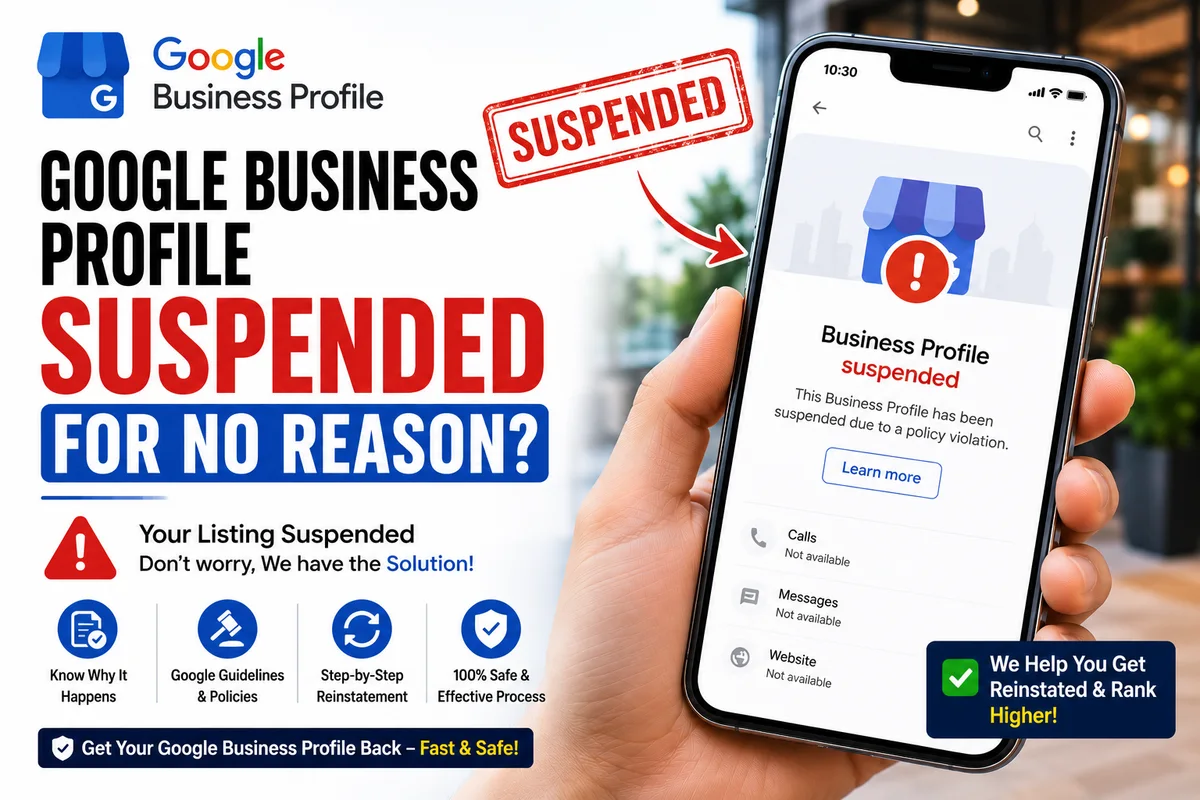
⚡Quick answer
If your Google Business Profile was suspended for no apparent reason, it's usually an automated flag or a small guideline issue you didn't notice — a slightly off business name, an address mismatch, or too many recent edits. Don't keep editing. Identify the likely cause, gather proof your business is real, and submit a calm, evidence-backed reinstatement request.
You didn't touch anything. No spammy tricks, no fake reviews. Then one morning your Google Business Profile is gone from Maps and Search, and Google says it was suspended for violating guidelines you're sure you never broke. It feels deeply unfair — and it's one of the most common panicked messages I get. Here's the truth about 'suspended for no reason' and how to fix it.
There's almost always a reason — just not an obvious one
Google's suspension emails are famously vague. That doesn't mean the suspension is random. Most 'no reason' cases trace back to something small that tripped an automated system. Once you know where to look, the cause usually becomes clear.
The hidden triggers behind a 'clean' suspension
In my experience, the name and address issues account for the majority. People add a keyword to their name years ago, it works fine, then one algorithm update flags it retroactively.
Step 1: Stop editing immediately
Your instinct will be to open the profile and start fixing things. Resist it. Repeated edits during a suspension often make the case worse and slow down any appeal. First understand what happened, then act once, deliberately.
Step 2: Audit your profile against the guidelines
Go through your business name, address, category and phone with fresh eyes. Compare them to your signboard and your official documents. Strip any keywords out of the name. Make sure your details match everywhere you're listed online.
Step 3: Gather proof before you appeal
Step 4: Submit a calm, complete reinstatement request
Use Google's official reinstatement form. Explain your situation honestly, state that you've reviewed the guidelines, and attach your proof. A short, clear, evidence-backed request beats an angry paragraph about how unfair it is. The reviewer just wants to see a legitimate business.
A real example of a 'no reason' suspension
A trader in Surat messaged me in a panic — profile gone, no idea why. He swore he hadn't touched a thing. When we looked, his business name on Google read 'Shree Textiles - Wholesale Suits Surat'. He'd set it up that way years ago and it had worked fine, so he never questioned it. That extra text was the trigger. We trimmed the name to just 'Shree Textiles', matched his address to his GST certificate, submitted proof, and he was back within nine days. To him it was 'no reason'. To Google's system, it was a keyword-stuffed name that finally got flagged.
What NOT to do after a suspension
Panic makes people do the exact things that hurt their case. Avoid these:
How long you'll be offline
Most 'no reason' cases come back within a few days to two weeks, provided your first appeal is clean and well-documented. The single biggest factor is getting that first request right — a strong submission gets reviewed and approved, while a vague one bounces and drags the outage on. Every day offline is lost calls, so it pays to do it properly rather than fast and sloppy.
When it really is Google's mistake
Sometimes you genuinely did nothing wrong, and it's a false flag — an algorithm update, or a competitor report that shouldn't have stuck. It's the most frustrating kind because there's nothing obvious to 'fix'. The good news is the approach is the same: prove your business is real and legitimate, and appeal with solid documentation. These cases are very reinstatable. You just need to make the reviewer's decision easy — clear proof, honest explanation, no drama.
If you'd rather not gamble with your listing, we handle this every week. Our Google Business Profile reinstatement service diagnoses the real cause, builds a strong evidence-backed appeal, and manages the whole process for a fixed price. Send us your profile link on WhatsApp for a free assessment.
Yogesh Chauhan
Yogesh Chauhan is the founder of Surat City Web, a founder-led digital growth agency in Surat helping businesses across India get more calls, leads and customers from Google.
Frequently asked questions
It can feel that way, but there's almost always an underlying trigger — a name issue, address mismatch, rapid edits, or an algorithm flag. Occasionally it's a genuine Google error, which is still reinstatable with proof.
Related articles

How to Rank Higher on Google Maps: Get to the Top in 2026
A step-by-step guide to rank higher on Google Maps and reach the Local Map Pack — so your business shows first when customers search on Google or ask AI tools.
By Yogesh Chauhan

How to Add a Call Button to Your Google Business Profile
Want a call button on your Google Business Profile? Here's how to add one so customers can call you in one tap — plus what to do if it won't show.
By Yogesh Chauhan

Google My Business Call Button Not Working? 2026 Fix
Google My Business call button not working? Whether it's missing, greyed out or calling the wrong number, here's why it happens and how to fix it fast.
By Yogesh Chauhan