
Google Maps Showing the Wrong Phone Number? How to Fix It
Google Maps showing the wrong phone number for your business? Every misdial is a lost customer. Here's how to correct it and stop calls going astray.
YCYogesh ChauhanFounder, Surat City Web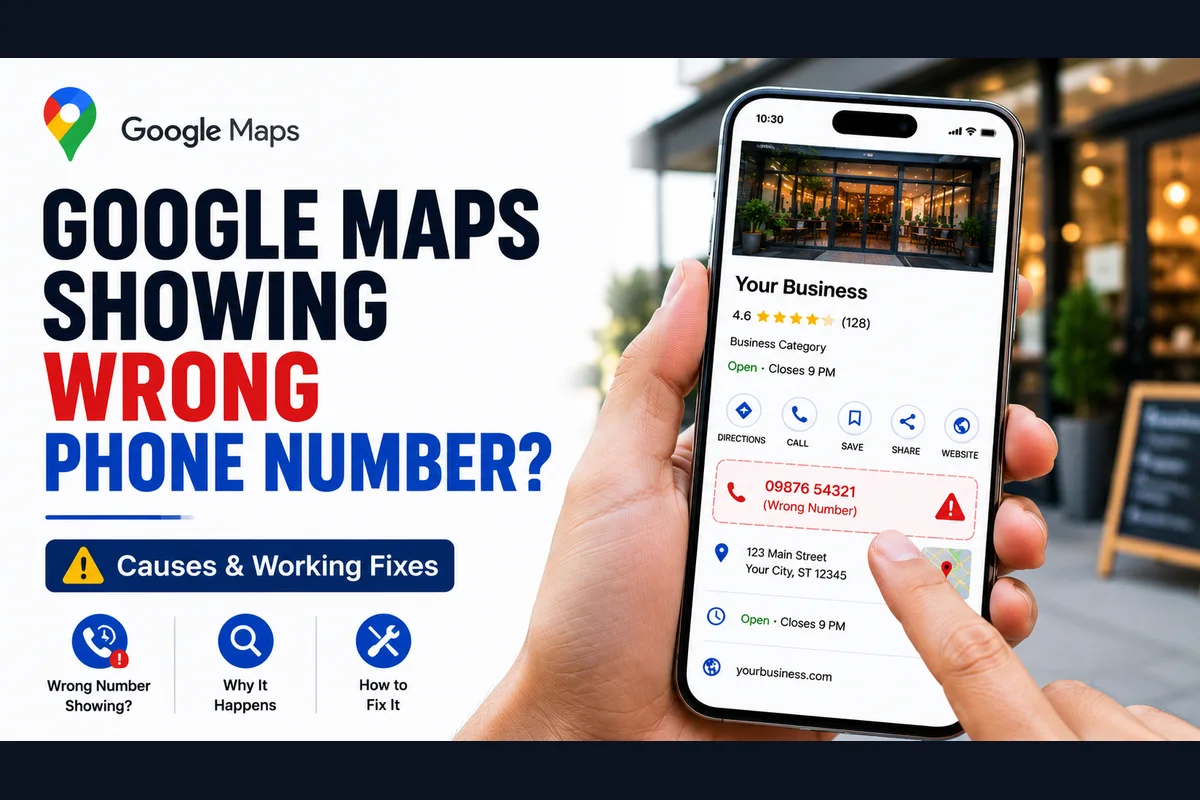
⚡Quick answer
If Google Maps shows the wrong phone number, update the primary number in your Google Business Profile to the correct one and make sure it matches your website exactly. Remove old or duplicate listings carrying the wrong number, and check for a Google-applied edit or a customer suggestion that changed it. Then test the call button on a phone.
Your listing works, the call button is there — but it's dialling a wrong or old number. Maybe it's a disconnected line, maybe it rings a stranger. Either way, every one of those taps is a customer you'll never hear from. A wrong number is sneaky because everything looks fine on the surface. Here's how to track it down and fix it.
How a wrong number ends up on your listing
Step 1: Set the correct primary number
Open your profile and set your correct, current number as the primary. Save it and double-check the digits — one wrong number is all it takes.
Step 2: Match it to your website
Make sure the same number appears on your website and main directories. Consistency stops Google pulling an old number from somewhere else and keeps the listing trusted.
Step 3: Hunt down duplicate listings
If a duplicate profile exists with the wrong number, correcting your main profile won't help if Google is displaying the duplicate. Find and remove any duplicates so only the correct listing remains.
Step 4: Watch for suggested edits
Google lets the public suggest changes to your listing, and sometimes accepts them. Keep an eye on your profile so an unwanted 'correction' doesn't quietly swap your number back. Fix any that slip through.
Why a wrong number is so damaging
A wrong number is worse than no number in one way: the customer thinks they've reached you. They tap, it rings a dead line or a stranger, and they assume your business is closed or careless. You don't just lose that call — you lose the trust. And because everything looks fine on your listing, you often have no idea it's happening until sales quietly dry up. That's why it's worth checking your displayed number regularly, not just once.
How to keep the right number locked in
What if you genuinely changed your number?
If you've moved to a new line, update it everywhere at once — profile, website, directories — so nothing conflicts. Changing it in one place but not others is exactly what causes Google to keep pulling the old number. Consistency across the web is what makes the new number stick.
Step 5: Test the call button
Search your business on a mobile in incognito and tap the call button. Confirm it dials your correct current number. Ask someone else to test too, just to be sure. If Maps keeps showing the old number even after you've corrected everything, a duplicate or a stuck flag is usually behind it, and it needs a proper fix.
If the wrong number keeps coming back or won't update, we can sort it. Our Google Business Profile call button fix makes sure your listing dials the right number every time, for a fixed price. Send us your profile link on WhatsApp and we'll check it.
Yogesh Chauhan
Yogesh Chauhan is the founder of Surat City Web, a founder-led digital growth agency in Surat helping businesses across India get more calls, leads and customers from Google.
Frequently asked questions
Usually an outdated primary number, a duplicate listing carrying the old number, or an accepted public 'suggested edit'. Update your primary number, match it to your website, and remove duplicates.
Related articles

How to Rank Higher on Google Maps: Get to the Top in 2026
A step-by-step guide to rank higher on Google Maps and reach the Local Map Pack — so your business shows first when customers search on Google or ask AI tools.
By Yogesh Chauhan

How to Add a Call Button to Your Google Business Profile
Want a call button on your Google Business Profile? Here's how to add one so customers can call you in one tap — plus what to do if it won't show.
By Yogesh Chauhan

Google My Business Call Button Not Working? 2026 Fix
Google My Business call button not working? Whether it's missing, greyed out or calling the wrong number, here's why it happens and how to fix it fast.
By Yogesh Chauhan