
Not Getting Calls from Google Business Profile? Reasons & Fixes
Not getting calls from your Google Business Profile despite showing on Maps? Here are the common reasons — including a broken call button — and the fixes.
YCYogesh ChauhanFounder, Surat City Web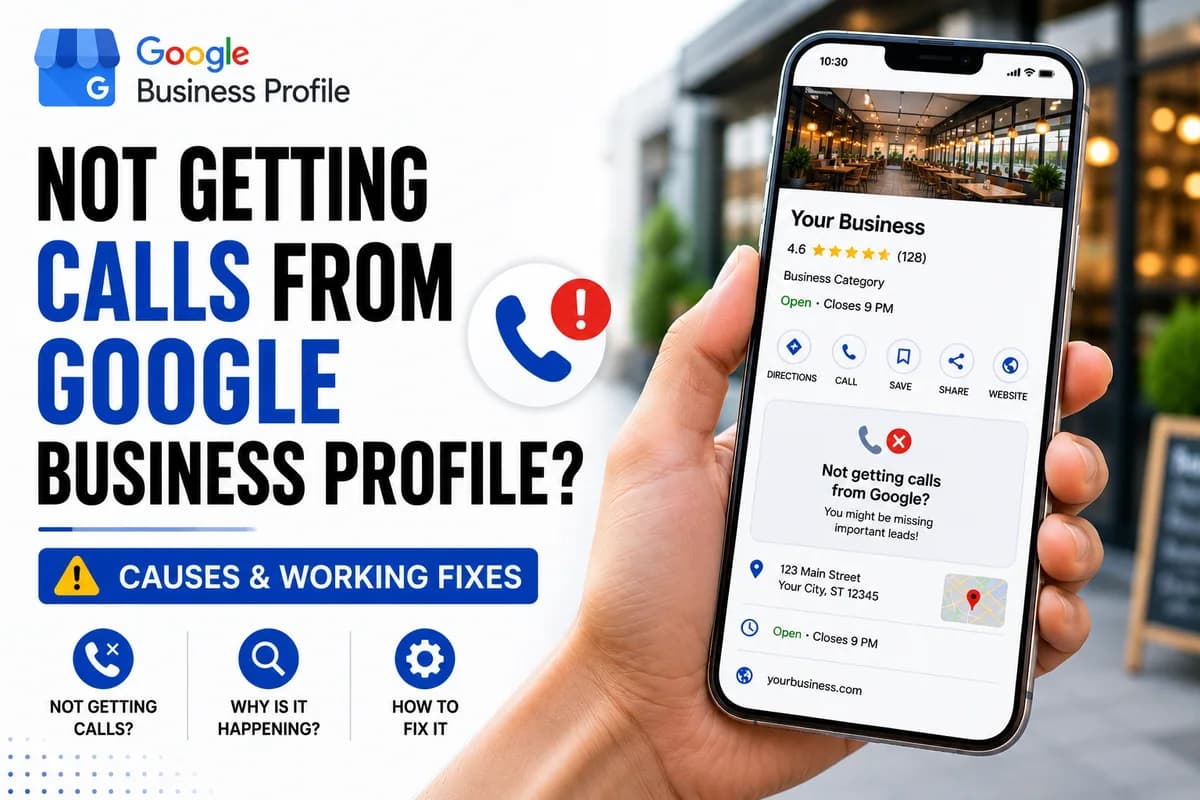
⚡Quick answer
If you're on Google Maps but not getting calls, check three things: is your call button actually working, are you ranking high enough to be seen, and is your profile convincing (photos, reviews, complete info)? A broken or missing call button is the most overlooked cause — test it on a mobile before assuming it's a ranking problem.
You're on Google Maps, you can see your listing, but the phone just isn't ringing. It's a demoralising place to be, because you assume the marketing is 'done' yet nothing's coming through. The truth is that 'showing up' and 'getting calls' are two different things. Let's work through why the calls aren't landing.
First, rule out a broken call button
This is the cause almost everyone overlooks. Before you blame your ranking, make sure customers can actually call. Search your business on a phone in incognito and tap the call button. Is it there? Is it active? Does it dial the right number? A missing, greyed-out or wrong-number button means you could rank first and still get zero calls.
Second, check whether you're actually being seen
If your call button works but nobody's calling, maybe not enough people are finding you. Ranking below the top few results, especially outside the Map Pack, drastically cuts how many people ever see your listing.
Third, make your listing worth calling
Even when people see you, they choose who to call. A profile with few reviews, no photos and thin information loses to a competitor that looks active and trusted. Photos, a steady flow of reviews and complete details all tip the decision your way.
A simple order to diagnose it
Are you visible at the right times?
Timing matters more than people think. If you're a restaurant and your call button breaks over a weekend, that's your busiest window gone. If your hours are wrong and Google shows you as 'closed', the call button can disappear or customers simply won't bother. Check that your hours are accurate, including holidays, and that nothing is suppressing your listing exactly when demand peaks.
Is your profile giving people a reason to call?
Put yourself in the customer's shoes. They search, they see three businesses, they pick one to ring. Which one? Almost always the one that looks active and trusted — recent reviews, real photos, complete information. A bare profile with two reviews and no photos loses to a rival with forty reviews and a full gallery, even if you're the better business. Getting seen is step one; looking worth calling is step two.
Use your call insights
Your Google Business Profile shows how many calls, views and direction requests you get. Watch these numbers as you make changes — they tell you exactly where the problem is. If views are high but calls are low, suspect the call button or your listing's appeal. If views are low, it's a visibility and ranking problem. Let the data point you to the real bottleneck instead of guessing.
If the problem turns out to be a broken call button, that's the quickest win of all. Our Google Business Profile call button fix gets your one-tap calling working again for a fixed price, so the calls you're already earning actually reach you. Send us your profile link on WhatsApp.
Yogesh Chauhan
Yogesh Chauhan is the founder of Surat City Web, a founder-led digital growth agency in Surat helping businesses across India get more calls, leads and customers from Google.
Frequently asked questions
The three usual causes are a broken or missing call button, ranking too low to be seen, or a thin profile that loses to competitors. Test the call button first — it's the most overlooked.
Related articles

How to Rank Higher on Google Maps: Get to the Top in 2026
A step-by-step guide to rank higher on Google Maps and reach the Local Map Pack — so your business shows first when customers search on Google or ask AI tools.
By Yogesh Chauhan

How to Add a Call Button to Your Google Business Profile
Want a call button on your Google Business Profile? Here's how to add one so customers can call you in one tap — plus what to do if it won't show.
By Yogesh Chauhan

Google My Business Call Button Not Working? 2026 Fix
Google My Business call button not working? Whether it's missing, greyed out or calling the wrong number, here's why it happens and how to fix it fast.
By Yogesh Chauhan