
Call Button Missing from Google Business Profile? Get It Back
Call button missing from your Google Business Profile? Customers can't reach you in one tap. Here's why it disappeared and how to get it back.
YCYogesh ChauhanFounder, Surat City Web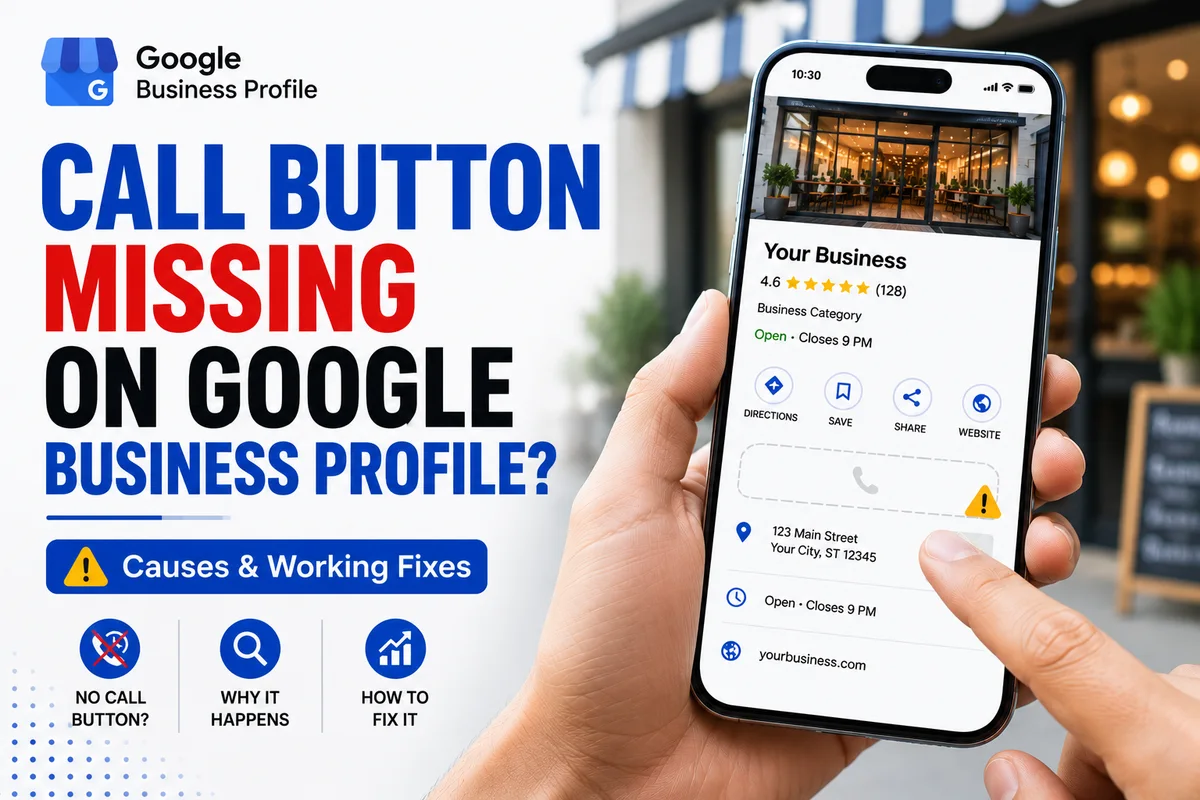
⚡Quick answer
If the call button is missing entirely from your Google Business Profile, the phone number is usually empty, was removed in an edit, or got flagged and hidden. Add a single correct primary number that matches your website, make sure the profile is verified and not under review, remove duplicates, then test on a mobile.
Worse than a broken call button is no call button at all. Customers find you on Maps, want to ring you, and there's simply nothing to tap. They move on to the next business. If your call button has vanished completely, here's how to get it back.
In a hurry? Paste your profile link into our free number checker and it will tell you in seconds whether Google is publishing a number, and what is most likely blocking it.
Why the call button disappears
Step 1: Check the phone number is actually there
Open your profile and confirm a primary phone number is present. It sounds obvious, but numbers get wiped during edits more often than you'd think. Add your correct number if it's missing.
Step 2: Match it everywhere
Your number must be identical on your website, your profile and your main listings. Mismatched numbers are a classic reason Google loses trust and hides the call action.
Step 3: Confirm verification and health
Make sure the profile is verified and not suspended or mid-review. A restricted profile won't show a call button no matter what number you add. Sort out verification or any suspension first.
Step 4: Remove duplicates
If there are two listings for your business, Google may be showing the wrong one — or hiding features. Find and remove duplicates so all your signals point to a single, healthy profile.
Missing on mobile but fine on desktop?
A lot of 'missing call button' complaints are actually mobile-only. The button might show when you check on a computer, yet customers on phones see nothing. Since almost all local calls come from mobile, that's the version that matters. Always test on an actual phone, opening the Maps listing itself rather than the basic search box, before deciding the button is truly gone.
How much a missing call button really costs
It's easy to underestimate. Picture even five people a day finding you on Maps and wanting to call, but there's no button. Most won't hunt for another way — they'll ring the next business instead. Over a month that's a serious pile of lost jobs you never even knew about, because those customers never reached you. The call button isn't a nice-to-have; on mobile it's the single most important thing on your listing.
Prevent it from vanishing again
Step 5: Test like a customer
Search your business on a phone in incognito and look for the Call button on the Maps listing itself. If it's back and dials correctly, you're done. Ask someone nearby to check too, since your own results can differ. If it's still missing after all this, the number is likely flagged at Google's end and needs a proper fix.
Can't get the call button to reappear? That's exactly what we fix. Our Google Business Profile call button fix restores a missing call button for a fixed price, usually within 8–15 days, so customers can call you in one tap again. Message us on WhatsApp with your profile link.
Yogesh Chauhan
Yogesh Chauhan is the founder of Surat City Web, a founder-led digital growth agency in Surat helping businesses across India get more calls, leads and customers from Google.
Frequently asked questions
Most often the number is empty, was removed in an edit, or got flagged and hidden. An unverified, under-review or suspended profile can also hide the call button.
Related articles

How to Rank Higher on Google Maps: Get to the Top in 2026
A step-by-step guide to rank higher on Google Maps and reach the Local Map Pack — so your business shows first when customers search on Google or ask AI tools.
By Yogesh Chauhan

How to Add a Call Button to Your Google Business Profile
Want a call button on your Google Business Profile? Here's how to add one so customers can call you in one tap — plus what to do if it won't show.
By Yogesh Chauhan

Google My Business Call Button Not Working? 2026 Fix
Google My Business call button not working? Whether it's missing, greyed out or calling the wrong number, here's why it happens and how to fix it fast.
By Yogesh Chauhan