
Google Business Profile Call Button Greyed Out? Here's the Fix
Is your Google Business Profile call button greyed out and unclickable? Here's why it happens and how to get one-tap calling working again fast.
YCYogesh ChauhanFounder, Surat City Web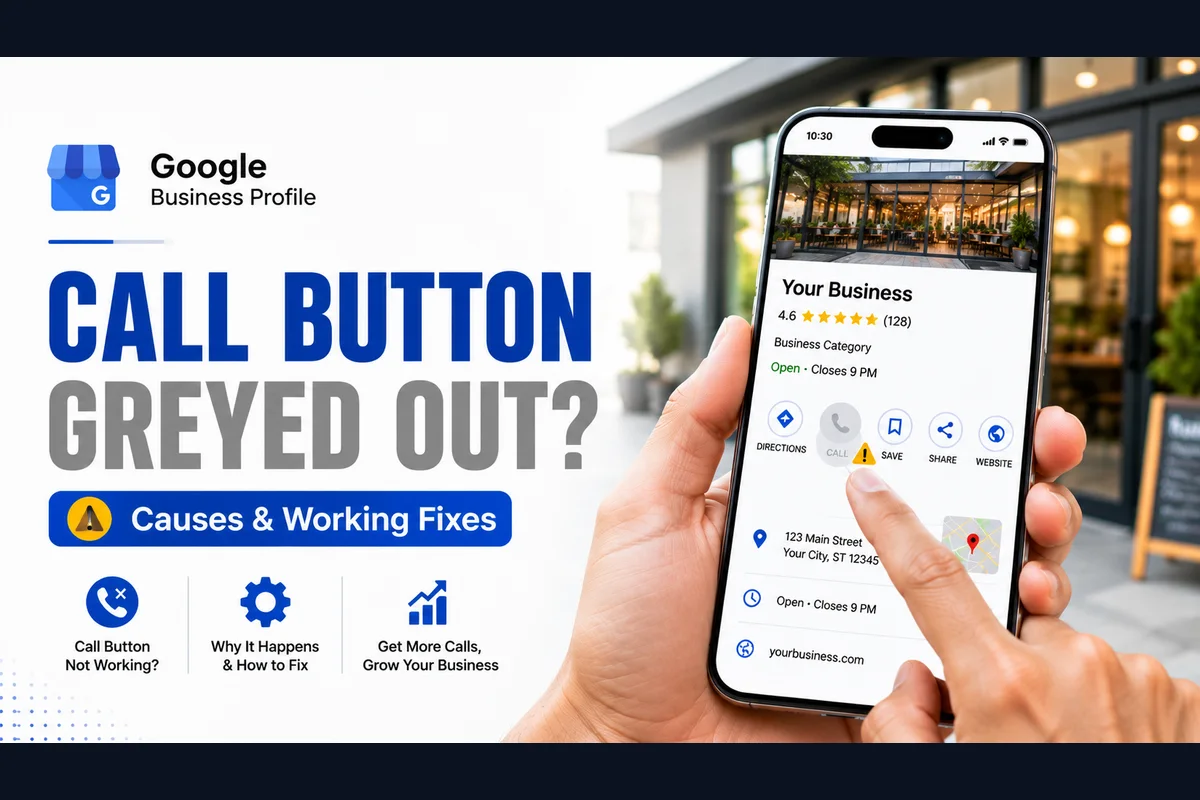
⚡Quick answer
A greyed-out call button usually means Google has flagged or is still verifying your phone number, the number doesn't match your website, or the profile is under review. Set one correct primary number that matches everywhere, finish any verification, remove duplicate listings, then test again on a real phone in incognito.
The button is there, but it's dull, faded and won't respond to a tap. A greyed-out call button is one of the most frustrating Google Business Profile problems, because everything looks almost fine — customers just can't actually call you. Here's what's really going on and how to bring it back to life.
What a greyed-out button actually means
A greyed or inactive call button is Google's way of saying 'I'm not confident about this number right now'. Rather than showing a working button that might connect wrongly, it dims it. So your job is to give Google a clean, trusted number it's happy to activate.
Want to know which reason applies to your listing? Our free Google number checker reads your profile and ranks the likely causes in about 30 seconds.
The usual causes
Step 1: Set one clean primary number
Pick the single best number for your business and make it the primary. Remove secondary or tracking numbers that might be causing conflict. Then make sure that exact number appears on your website and your main directory listings.
Step 2: Finish verification
An unverified profile often has restricted actions, including calling. If your profile isn't fully verified, complete that first — a lot of greyed-out buttons simply light up once verification is done.
Step 3: Give it time to settle, then re-test
After correcting the number, don't keep editing. Give Google a little time, then test properly: search your business on a phone in incognito and tap the button. Try from another person's phone too, since your own results can differ.
Why the number has to match everywhere
This trips up a lot of owners. Google cross-checks the number on your profile against your website and other listings. If your profile says one number, your website footer shows another, and Justdial has a third, Google can't decide which is trustworthy — so it plays safe and greys the button out. Pick one primary number and make it identical across every place your business appears online. Consistency is what turns the button from grey to live.
Watch out for call-tracking numbers
Some businesses add a separate call-tracking or virtual number to measure calls. Done carelessly, this is a common cause of a greyed or conflicting button, because it clashes with the real number on your website. If you use call tracking, make sure it's set up cleanly and consistently, or stick to your one genuine business number.
A quick self-check before you assume the worst
Work through those five and most greyed-out buttons sort themselves out. If they're all clean and it's still dim, the flag is on Google's side.
When it stays greyed no matter what
Sometimes the button stays dim even after everything looks right, because a flag is stuck in Google's system. This is where DIY hits a wall — no amount of editing clears it, and more edits can even make it worse. At that point it needs to be diagnosed and resolved at the source rather than guessed at.
If your call button won't come back on its own, we can help. Our Google Business Profile call button fix diagnoses exactly why it's greyed out and gets one-tap calling working again for a fixed price, usually within 8–15 days. Send us your profile link on WhatsApp.
Yogesh Chauhan
Yogesh Chauhan is the founder of Surat City Web, a founder-led digital growth agency in Surat helping businesses across India get more calls, leads and customers from Google.
Frequently asked questions
Google shows the button but disables it when it isn't confident about your number — often due to a mismatch, an unverified profile, or a recent edit under review. Fix the number and verification, then re-test.
Related articles

How to Rank Higher on Google Maps: Get to the Top in 2026
A step-by-step guide to rank higher on Google Maps and reach the Local Map Pack — so your business shows first when customers search on Google or ask AI tools.
By Yogesh Chauhan

How to Add a Call Button to Your Google Business Profile
Want a call button on your Google Business Profile? Here's how to add one so customers can call you in one tap — plus what to do if it won't show.
By Yogesh Chauhan

Google My Business Call Button Not Working? 2026 Fix
Google My Business call button not working? Whether it's missing, greyed out or calling the wrong number, here's why it happens and how to fix it fast.
By Yogesh Chauhan