
How to Grow Your Business With Google Business Profile
Learn how to grow your business with a Google Business Profile — turn your free listing into a steady source of calls, directions, leads and sales in 2026.
YCYogesh ChauhanFounder, Surat City Web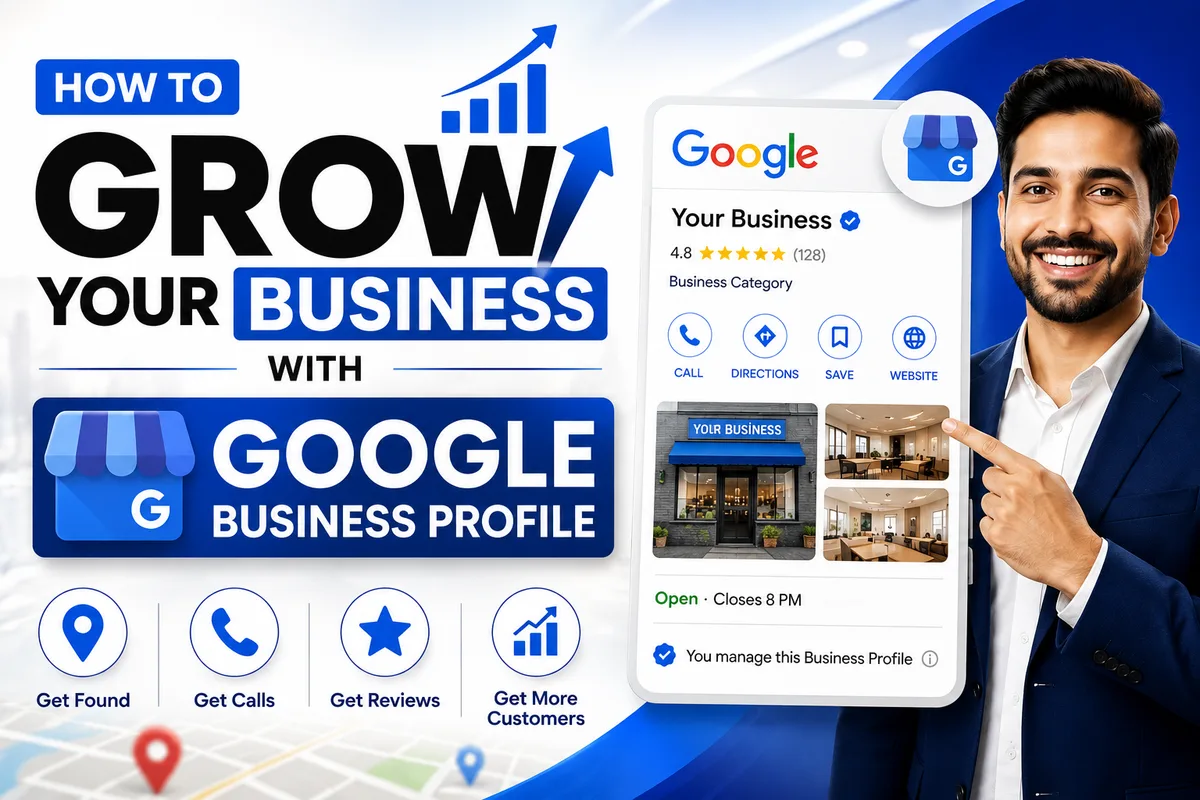
⚡Quick answer
To grow your business with a Google Business Profile, complete and verify it, pick the most accurate primary category, add real photos, collect genuine reviews every week, post regularly, and reply fast to calls and messages. A profile optimised this way turns free Google searches into a steady flow of calls, directions and customers.
Your Google Business Profile — the listing that shows up on Google Maps and in the local results on Search — is quietly the most powerful free growth tool your business has. When someone nearby searches 'best CA near me', 'interior designer in Surat' or 'AC repair open now', Google shows a small map with a few businesses on top. Those businesses get the calls, the directions and the walk-ins. Everyone else is invisible.
The difference between a listing that just 'exists' and one that actually grows your business is optimisation and consistency. In this guide you'll learn exactly how to turn your Google Business Profile into a dependable channel that brings calls, leads and sales month after month — using only safe, white-hat methods that Google rewards, not risky tricks that get profiles suspended.
Key takeaways
- A Google Business Profile grows your business by converting nearby searches into calls, directions and visits — for free.
- Completeness plus the right primary category decides which customers ever see you.
- Reviews are the growth flywheel: more genuine reviews mean more visibility and more trust, which mean more customers.
- Photos, weekly posts, messaging and fast replies turn profile views into actual leads.
- Insights (calls, directions, searches) tell you what's working so you can double down.
- It's a compounding, 2–6 month game — consistency beats shortcuts every time.
What does it mean to 'grow' with a Google Business Profile?
Growth isn't just ranking higher — ranking is the means, not the goal. Real growth is more of the actions that make you money: phone calls, direction requests, website clicks, messages, bookings and, ultimately, paying customers. A well-run profile improves every one of these, because it works at two stages at once: it helps more people find you (visibility), and it convinces more of those people to contact you (conversion).
How a Google Business Profile turns searches into business
| Growth outcome | What drives it on your profile | Why it matters |
|---|---|---|
| More calls | Call button, correct number, reviews, ranking | Direct, high-intent leads — someone calling is close to buying |
| More visits | Directions, accurate hours, photos, address | Foot traffic for shops, clinics and offices |
| More website clicks | Website link, services, posts | Sends warm traffic to your site to learn more or buy |
| More messages/bookings | Messaging, booking link, Q&A | Captures customers who prefer to type rather than call |
Why your Google Business Profile is your #1 growth channel
For most local businesses, the profile beats every other marketing channel on cost and intent. It's free, it reaches people at the exact moment they're looking to buy, and it often gets more views than the business's own website. Someone searching 'plumber near me' isn't browsing — they have a leaking pipe and want to call now. Show up well, and you win that customer before your competitor even loads.
It also feeds newer discovery paths. When people ask AI tools like ChatGPT, Gemini or Perplexity for a recommendation, those answers are built from the same trusted signals — a complete profile, consistent details and strong reviews. Optimise your profile and you don't just rank on Maps; you become the business the AI names too.
Step 1: Complete and verify your profile — the foundation
Nothing grows on a half-built profile. Google openly favours complete, verified listings because they earn more trust and give searchers what they need. Before anything clever, make sure every field is filled in accurately:
Important
A profile that's 100% complete can earn many times more views, calls and direction requests than one that's half-finished. Completeness is the cheapest growth win there is — finish it before you do anything else.
Step 2: Choose the right category and services
Your primary category is one of the strongest relevance signals on the whole profile — it decides which searches you can appear for. Pick the single most specific category that matches your core service, not a broad, generic one. A bridal make-up business should choose 'Make-up artist' or 'Bridal shop', not a vague 'Beauty salon'. Then add secondary categories for your other services so you show up for those searches too.
Tip
Not sure which category to use? Look at the businesses already ranking in the local pack for your keyword — their primary category is a strong clue to the one Google links with that search. Match the winners, then out-optimise them elsewhere.
Step 3: Turn your profile into a lead magnet
Once you're findable, the job is to convert views into contacts. These profile features do the heavy lifting — set up every one that applies to you:
Warning
A missing or wrong phone number is the most common reason profiles get views but no calls. Test your listing on a phone in incognito and confirm the call button appears and dials the right number.
Step 4: Reviews — your growth flywheel
If you do only one thing from this guide, make it reviews. They are the single biggest lever you control. More genuine reviews and a higher rating lift your ranking (visibility) and reassure new customers (conversion) at the same time — a compounding flywheel where each review makes the next customer easier to win.
Build a review flywheel that keeps growing your business
- 1
Ask every happy customer
The moment someone is pleased, politely ask for an honest Google review. Most people say yes when you simply ask.
- 2
Make it one tap
Share your direct review link on WhatsApp or SMS, or print a QR code on your bill and counter. Less friction means more reviews.
- 3
Keep it steady
A few genuine reviews every week beats a sudden burst. Recency is a signal, so never let it dry up.
- 4
Reply to every review
Thank happy customers and respond calmly to unhappy ones. Replies build trust with future customers and support ranking.
Warning
Never buy reviews, use fake accounts, or offer discounts in exchange for reviews. It breaks Google's policies, fake reviews are increasingly detected and removed, and it can take your whole profile down. Only genuine reviews from real customers grow your business safely.
Want the full system with scripts and a step-by-step process? Read our guide on how to get more Google reviews.
Step 5: Post every week to stay top-of-mind
An active profile outperforms a dormant one — it looks alive to customers and signals to Google that the business is current. Google Posts appear on your listing and are a free way to promote offers and keep momentum. Build two simple habits:
Step 6: Strengthen your local SEO around the profile
Your profile doesn't grow in isolation — consistent information across the web tells Google to trust and rank you. NAP stands for Name, Address and Phone; keep them identical everywhere, down to the punctuation.
Step 7: Track what's actually growing your business
You can't improve what you don't measure. Google's Performance insights show how customers find and act on your listing. Check them monthly and let the numbers guide where you focus next.
Key Google Business Profile metrics to review monthly
| What to watch | What it tells you | What to do about it |
|---|---|---|
| Calls | How many leads your profile drives directly | If low, check the call button, number and ranking; ask for more reviews |
| Directions & visits | Foot traffic intent | Confirm address and hours are exact; add photos of the entrance |
| Website clicks | Interest in learning more or buying | Make sure the link works and the landing page matches the search |
| Searches (direct vs discovery) | Whether new people are finding you | Low discovery means work on categories, reviews and posts |
Note
Growth compounds. The businesses that win are simply the ones who keep doing the basics every month — reviews, photos, posts, replies — while competitors go quiet after a few weeks.
Local growth tips for Surat businesses
If you serve a specific city like Surat, lean into local intent. Use your area names naturally in your description, services and posts (for example, 'serving Mota Varachha, Adajan and across Surat'). Add photos tagged to your locality, collect reviews that mention neighbourhoods and services, and keep your NAP identical on your website and Indian directories. Google rewards businesses that clearly and consistently signal where they operate and who they serve.
Common mistakes that stall growth
These quietly hold businesses back — or actively get them penalised. Avoid every one:
Your 30-day Google Business Profile growth plan
You don't need to do everything at once. Follow this simple month-one plan, then repeat the weekly habits every month:
Month-one plan to grow with your profile
- Week 1: Complete every field, verify, fix categories, add 15–20 real photos.
- Week 1: Turn on messaging and confirm the call button and number work on mobile.
- Week 2: Set up a review request system (WhatsApp link + QR code) and start asking.
- Week 2: Fix NAP consistency across your website and top directories.
- Week 3: Publish 2 Google Posts and add a week's fresh photos; answer Q&A.
- Week 3: Reply to every existing review.
- Week 4: Check Performance insights; note calls, directions and clicks.
- Ongoing: Every week — a few new reviews, fresh photos, 1–2 posts, fast replies.
Want us to grow your business on Google for you?
Surat City Web optimises your Google Business Profile end to end — categories, reviews, posts, photos, citations and local SEO — with a safe, proven, white-hat process. Serving Surat and businesses across India.
Get a free Google auditKeep growing — read next
Authoritative references
Growing your business with a Google Business Profile isn't a secret or a trick — it's the disciplined, consistent strengthening of visibility and conversion over a few months. Complete your profile, choose the right category, win real reviews, stay active with photos and posts, capture every call and message, and measure what works. Do that, and your free listing becomes one of the most reliable growth engines your business has.
Yogesh Chauhan
Yogesh Chauhan is the founder of Surat City Web, a founder-led digital growth agency in Surat helping businesses across India get more calls, leads and customers from Google.
Frequently asked questions
It puts you in front of nearby customers at the exact moment they're searching for what you offer, then converts them into calls, directions, messages and visits — all for free. A complete, active, well-reviewed profile does this consistently, month after month.
Related articles
Digital Marketing for Small Businesses in Surat: 2026 Guide
A practical 2026 digital marketing guide for small businesses in Surat — how to get more calls, leads and customers from Google without wasting money.
By Yogesh Chauhan
Google Business Profile Call Button Not Working? How to Fix It
A broken or missing call button on your Google Business Profile means lost calls every day. Here's why it happens and how to get one-tap calling working again.
By Yogesh Chauhan
Google Business Profile Without a Shop Address: Is It Possible?
Can you have a Google Business Profile without a shop address? Yes — home and service-area businesses can get on Google Maps. Here's exactly how.
By Yogesh Chauhan